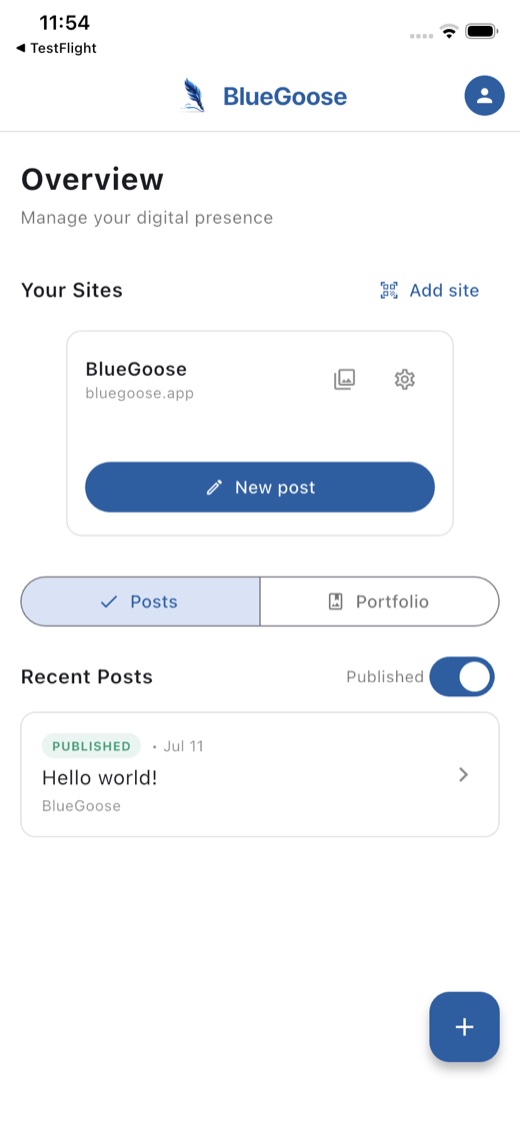
Bluegoose is a chat on your phone. Describe what happened, attach a few photos, and it comes back as a finished post: title, text, images and the technical SEO fields already filled in, written in your tone. One tap sends it live to your own site. You never see a WordPress menu.
Connects to your own WordPress site through a small plugin, installed once. No dashboard, no logins to remember.
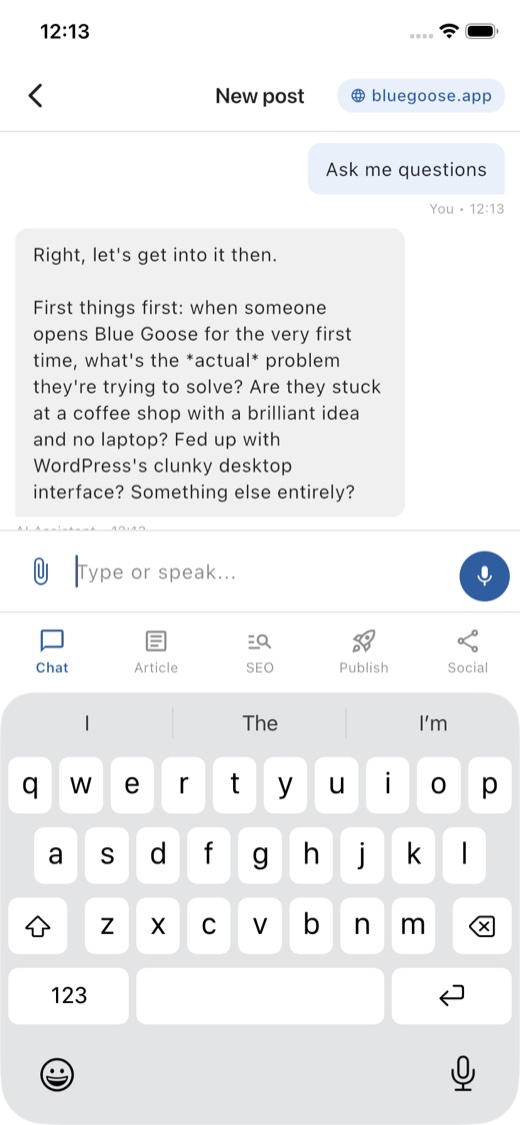
Tell it once (industry, audience, tone of voice) and every post already sounds like you.
Describe what happened, the way you'd tell a colleague. Bluegoose turns it into a post.
No copying into WordPress, no formatting by hand. One tap and it's published.
Writing the post was never really the hard part. It's the dozen small tasks after (logging in, finding the right screen, resizing photos, filling in fields you've never heard of) that make the story keep sliding to next week.
You know the name, but you've probably never had to log in and find your way around it. Most people give up before they publish.
Ask a general chatbot to write a post and you get something that could belong to any business. You end up rewriting it anyway.
You have things to share. Writing takes time, so it never gets done.
Before your first post, Bluegoose asks a short set of plain-language questions (about five minutes, skip anything you'd rather answer later). No WordPress terms, no marketing jargon. Just what your business does, who it's for, and how you talk about it.
No dashboard to learn. Set up once, then repeat the last three steps for every post.
Whoever looks after your website installs a small plugin, which shows a QR code. Scan it with the app and the two are connected. That's the only WordPress screen you'll ever need to see.
A short chat covers your industry, audience, tone of voice and goals. Saved automatically, editable any time from settings.
Describe it the way you'd tell a colleague. Add photos if you have them. Choose to answer a few questions, just talk, or have the article written straight away.
The post, SEO title and meta description, and a social caption are all drafted. Check each tab, ask Bluegoose to adjust anything.
Set status, category, tags and a featured image, then publish. It appears on your own website immediately. No separate login, no copy-pasting.
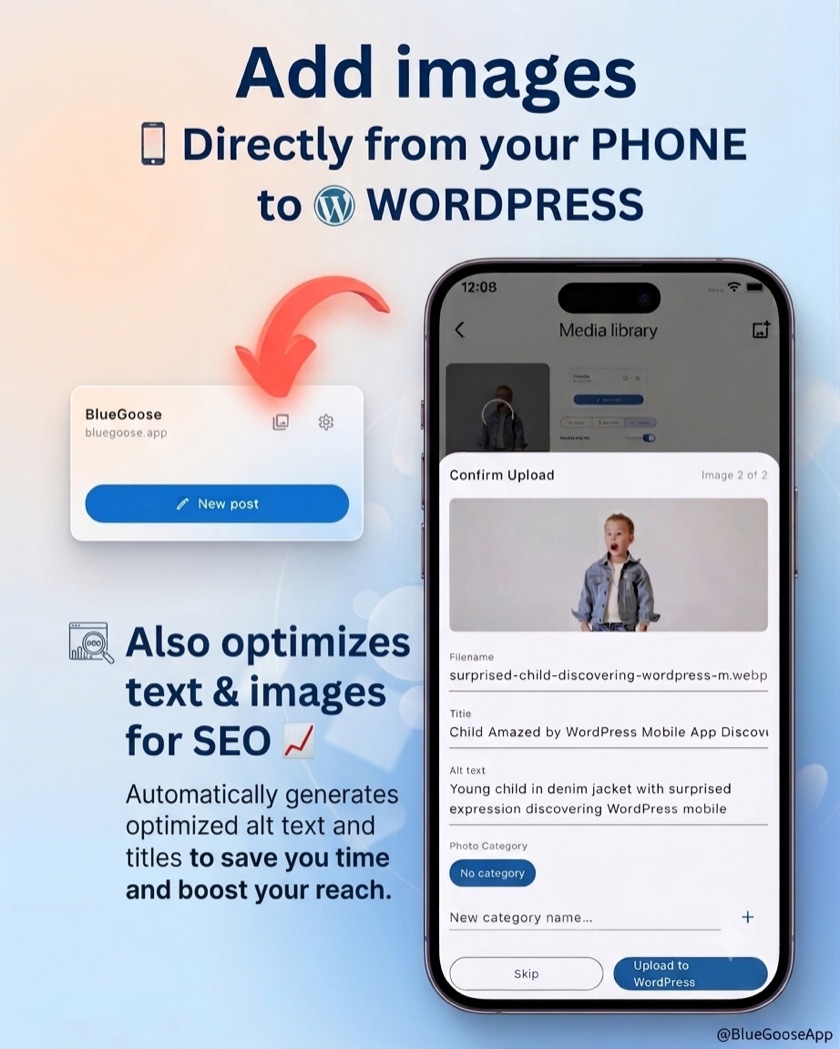
Add a photo from your camera roll and Bluegoose takes care of the rest before it reaches your website. The file is shrunk down so your site stays fast to load, and the technical details Google and screen readers look for get filled in for you.
You can check or change any of it before it uploads. Most people just tap through.
This is the plugin from step 1: the one that shows the QR code and lets the app talk to your website. Install it once from WordPress; after that, updates show up automatically in Plugins → Updates, same as any other plugin.
Download the latest versionUploaded through WordPress Admin → Plugins → Add New → Upload Plugin. Works alongside your existing theme. Need the app too? See all downloads.
Everything for a post lives behind one chat. These are the tabs it fills in for you.
Answer a few questions, just talk, or ask for the article straight away. Your choice each time.
Reorderable blocks: heading, text, list, image, quote. Ask AI to rewrite any single block.
The technical fields that help Google find your post, filled in automatically. You don't need to know what they mean.
Status, category, tags, excerpt and featured image, set in one place before it goes live.
A ready-to-post caption, generated from the finished article, with an optional hashtag set.
Bluegoose talks to your WordPress site directly, so a finished draft ends up published on your actual website, not stuck in a doc waiting for someone to format it.
Connect your site once, tell Bluegoose about your business, and publish your next post from your phone today.
Get Bluegoose